![How to Install Any Claude Skill From GitHub [Step-by-step] - Beginner Tutorial](/_astro/How%20to%20Install%20Any%20Claude%20Skill%20From%20GitHub%20_Step-by-step_%20-%20Beginner%20Tutorial.Cgks_FcS_1swru6.webp)
.Bktem256_23EEnI.webp)
.rrgOIsSz_Z2n0to0.webp)
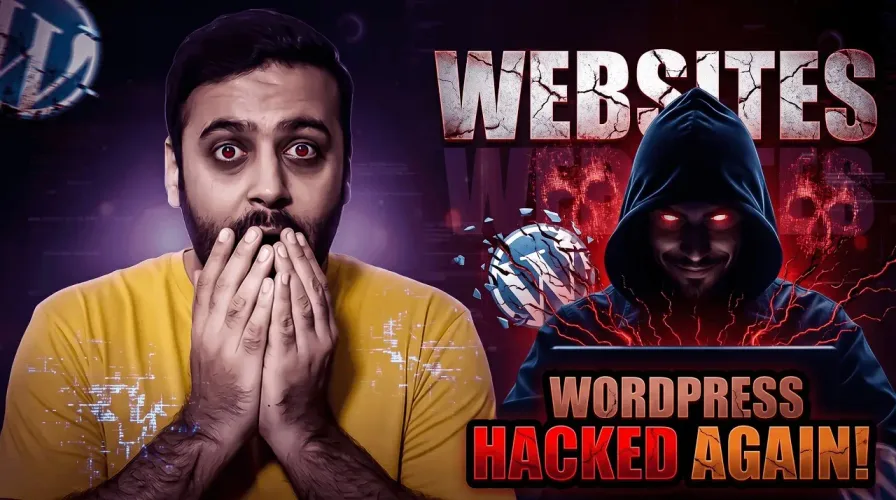
A serious security incident has affected the WordPress ecosystem where 31 plugins were reportedly compromised through a supply-chain attack, exposing millions of websites to potential risk.
One of the confirmed cases includes the “Accordion and Accordion Slider” plugin, which was found to contain an injected backdoor in version 1.4.6.
Step 1: Check Your Installed Plugins:
Go to your WordPress dashboard:
Plugins → Installed Plugins
Look carefully for:
- Accordion and Accordion Slider
- Any slider, gallery, or UI enhancement plugins
- Recently updated or unfamiliar plugins
👉 If you find any suspicious plugin, treat it as high risk.
Step 2: Disable and Remove Immediately:
If any affected plugin is installed:
- Deactivate the plugin
- Delete it completely
- Do not wait for updates or fixes
👉 Backdoor-type attacks can remain active even after deactivation.
Step 3: Run a Full Website Scan:
Use a trusted security scanner:
- Wordfence
- Sucuri SiteCheck
- MalCare
Check for:
- Unknown admin users
- Suspicious files in wp-content
- Modified core files
- Hidden scripts
Step 4: Change All Important Passwords:
Immediately update:
- WordPress admin login
- Hosting account
- FTP/SFTP credentials
- Database password
👉 Use strong and unique passwords.
Step 5: Check for SEO Damage:
A compromised site may show:
- Spam pages in Google index
- Unexpected redirects
- Ranking drops
- Suspicious backlinks
Fix using:
- Google Search Console → Security Issues
- Remove spam URLs
- Clean sitemap
- Request reindexing
Step 6: Secure Your WordPress Site:
After cleanup:
- Install a firewall plugin
- Enable 2FA login
- Limit login attempts
- Remove unused plugins
- Keep only necessary tools installed
Final Note:
This incident shows how dangerous third-party plugins can be if compromised. Always keep your WordPress site lightweight, updated, and regularly audited for security risks.