
![How to Install Any Claude Skill From GitHub [Step-by-step] - Beginner Tutorial](/_astro/How%20to%20Install%20Any%20Claude%20Skill%20From%20GitHub%20_Step-by-step_%20-%20Beginner%20Tutorial.Cgks_FcS_1swru6.webp)
.Bktem256_23EEnI.webp)
.rrgOIsSz_Z2n0to0.webp)
Intro:
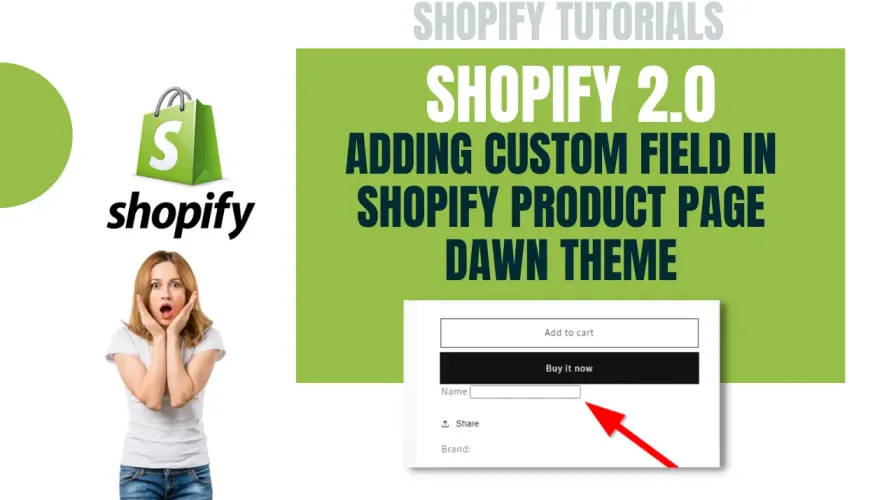
Add a user input field in the dawn theme of Shopify which will be displayed on the product page. User can input their name or whatever field they want to add to the product page.
Accessing Shopify Backend:
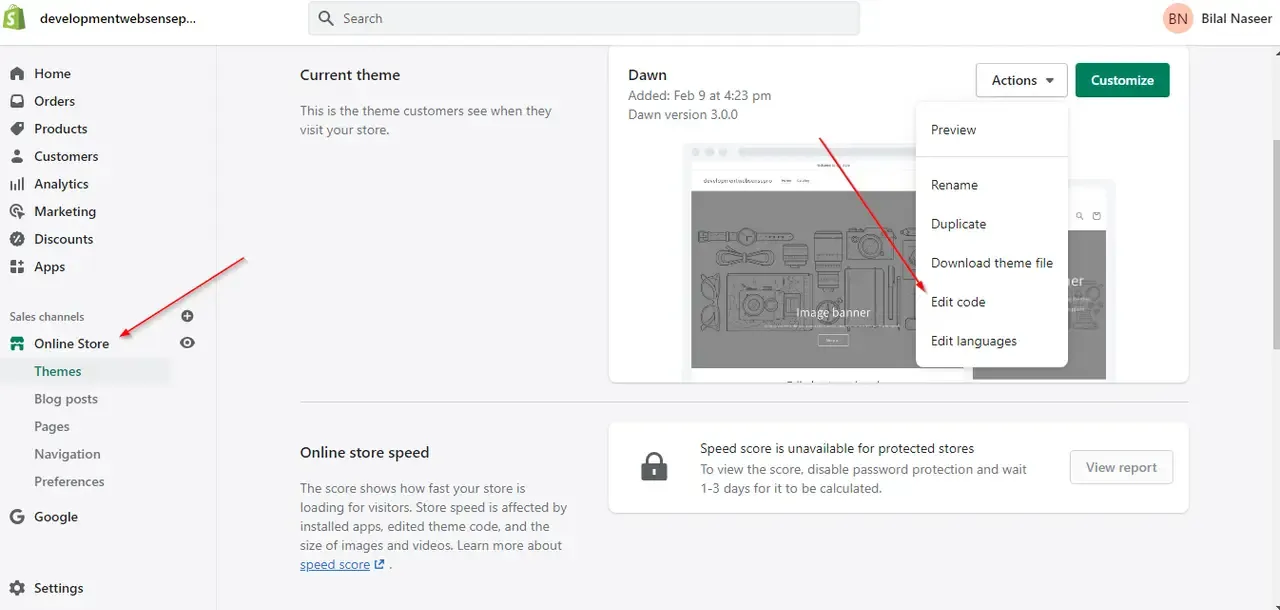
Click on “Online Store” and click on “Edit Code” before doing that I suggest you take a backup of your theme by clicking on “Duplicate” that way you will have original code original theme files saved and you will be editing on a duplicate version. If you are working on a live theme I suggest you take backup.
Adding Code:
In the code editor search “main-product.liquid” file in this file, you will search for product form and you will need to add code before this ending tag as shown in the screenshot below.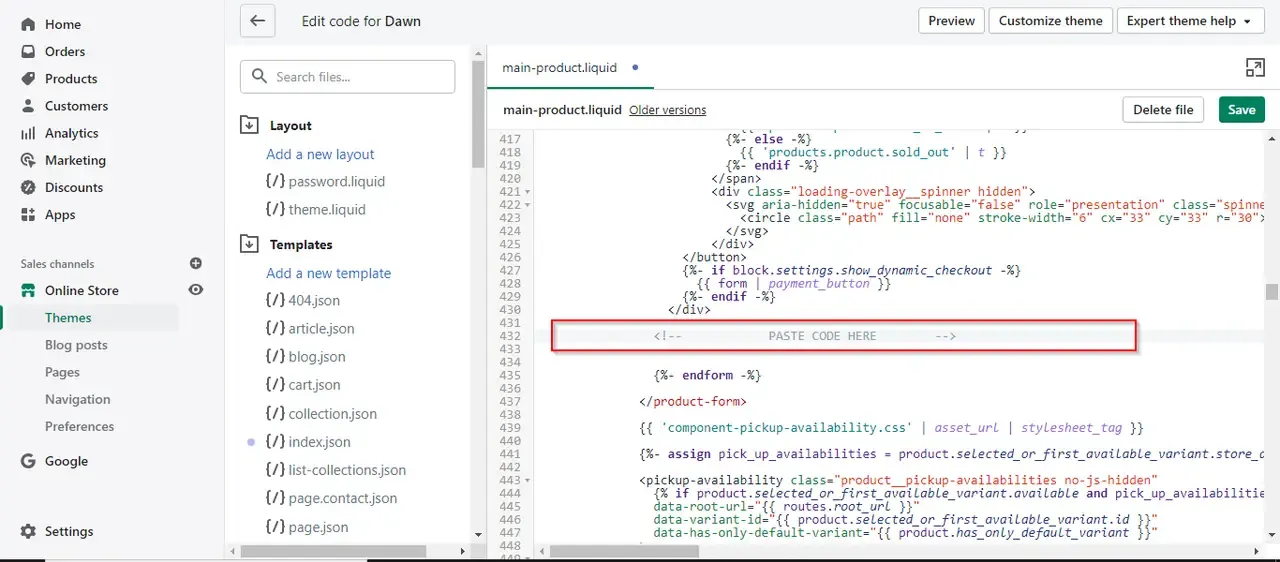
<div class="line-item-property__field Personalization_field">
              <label for="name">Name</label>
              <input type="text" required class="required" id="personalization" name="properties[name]">
</div>
If you are not tech-savvy and looking to get some tech help for your website, contact us for Affordable Web Development Services