![How to Install Any Claude Skill From GitHub [Step-by-step] - Beginner Tutorial](/_astro/How%20to%20Install%20Any%20Claude%20Skill%20From%20GitHub%20_Step-by-step_%20-%20Beginner%20Tutorial.Cgks_FcS_1swru6.webp)
.Bktem256_23EEnI.webp)
.rrgOIsSz_Z2n0to0.webp)
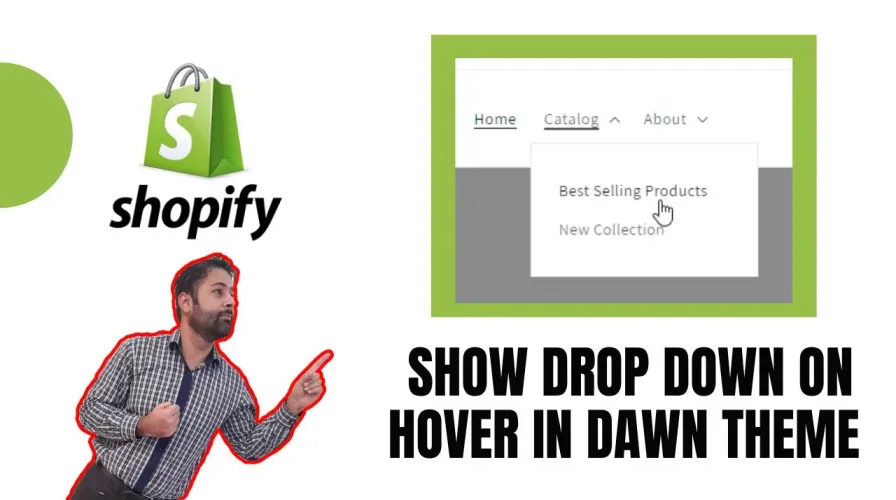
In this post, I’ll show you how to show a drop-down menu on hover in the Dawn theme. This is a great way to add functionality to your website and make it more user-friendly.
This is a great way to provide more information to your viewers without taking up too much space on your page.
A great way to add some interactivity to your page and make it more user-friendly.
Add the following code in header.liquid on line number 603:
<script>
  let items = document.querySelector(".header__inline-menu").querySelectorAll("details");
let dropdownItems = document.querySelector(".header__submenu");
items.forEach(item => {
  item.addEventListener("mouseenter", () => {
    item.setAttribute("open", true);
    let ulElement = item.querySelector("ul");
    if (ulElement !== null) {
      ulElement.addEventListener("mouseleave", () => {
        item.removeAttribute("open");
      });
    }
  });
  item.addEventListener("focus", () => {
    item.setAttribute("open", true);
  });
  item.addEventListener("blur", () => {
    item.removeAttribute("open");
  });
  item.addEventListener("mouseenter", () => {
      item.setAttribute("open", "");
    });
    item.addEventListener("mouseleave", () => {
      item.removeAttribute("open");
    });
});
if (dropdownItems !== null) {
  dropdownItems.addEventListener("mouseleave", () => {
    items.forEach(item => {
      item.removeAttribute("open");
    });
  });
}
</script>
4.8/5 · 30 votes