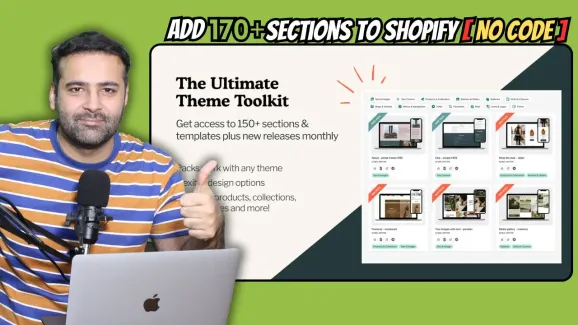



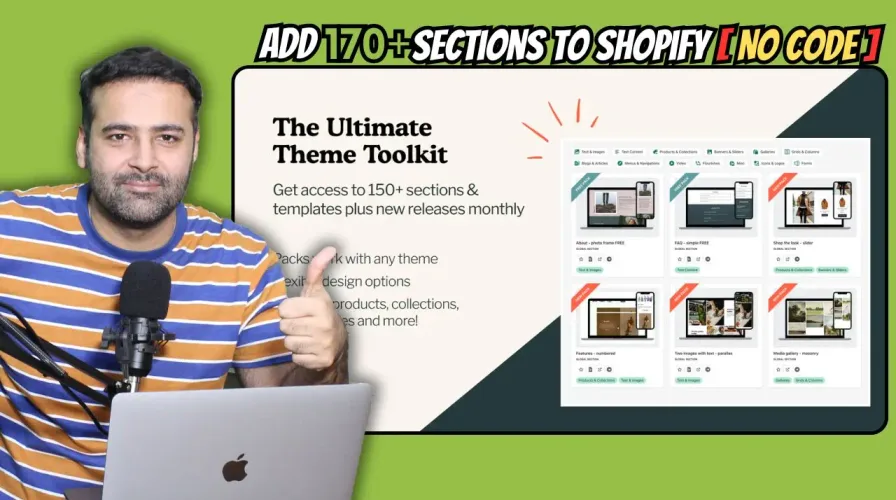
Design Packs is not just any app; it’s a game-changer. With over 170 pre-built sections at your disposal, this app empowers you to enhance your Shopify theme effortlessly. Whether you’re using a paid or free theme, Design Packs ensures seamless integration without the need for complex coding.
Why Design Packs?
Before diving into the step-by-step process, let’s highlight why Design Packs stands out:
- User-Friendly Interface: Say goodbye to coding hassles. Design Packs offers a user-friendly interface where customization is a breeze.
- Free Trial: Curious to explore its functionalities? Dive in with the free trial, allowing you to test a few sections before committing.
- Affordable Pricing: For just $24.99 a month, unlock a treasure trove of sections that would otherwise cost a fortune to develop or hire a developer for.
Step 1: Installation and Exploration
- Installation: Begin by installing Design Packs on your Shopify store. Once installed, it seamlessly integrates into your theme.
- Exploration: Take a moment to explore the vast array of sections and page templates at your disposal. From FAQs to stunning photo frames, Design Packs has it all.
Step 2: Testing Free Sections
- Preview: Test out the free sections available with Design Packs. From FAQ sections to stylish photo frames, see how they enhance your store’s aesthetics.
- Customization: Dive into customization options. Adjust images, text, colors, animations, and more to align with your brand’s identity seamlessly.
Step 3: Adding Sections to Your Theme
- Select Section: Choose the sections you want to integrate into your theme.
- Customize: Utilize Design Packs’ customization options to tailor each section to your preferences. From fonts to animations, the possibilities are endless.
- Preview and Install: Preview the changes to ensure everything looks perfect. Once satisfied, hit the install button, and voila – your store is upgraded! Step 4: Exploring Premium Sections
- Favorite Picks: Explore premium sections like the daily promotion flip or stunning footer layouts.
- Installation: Follow the same process to install premium sections, reveling in their advanced features and aesthetic appeal.
Conclusion: Design Packs isn’t just an app; it’s a gateway to elevating your Shopify store’s design effortlessly. With its intuitive interface, vast selection of sections, and affordable pricing, it’s a must-have for any store owner looking to stand out in the crowded e-commerce landscape.
5/5 · 5 votes